Activities are the work categories used to classify tasks. They give you a standardized vocabulary for what kind of work is being done — structural, MEP, finishing, and so on — and connect tasks to the estimation system for labor planning.
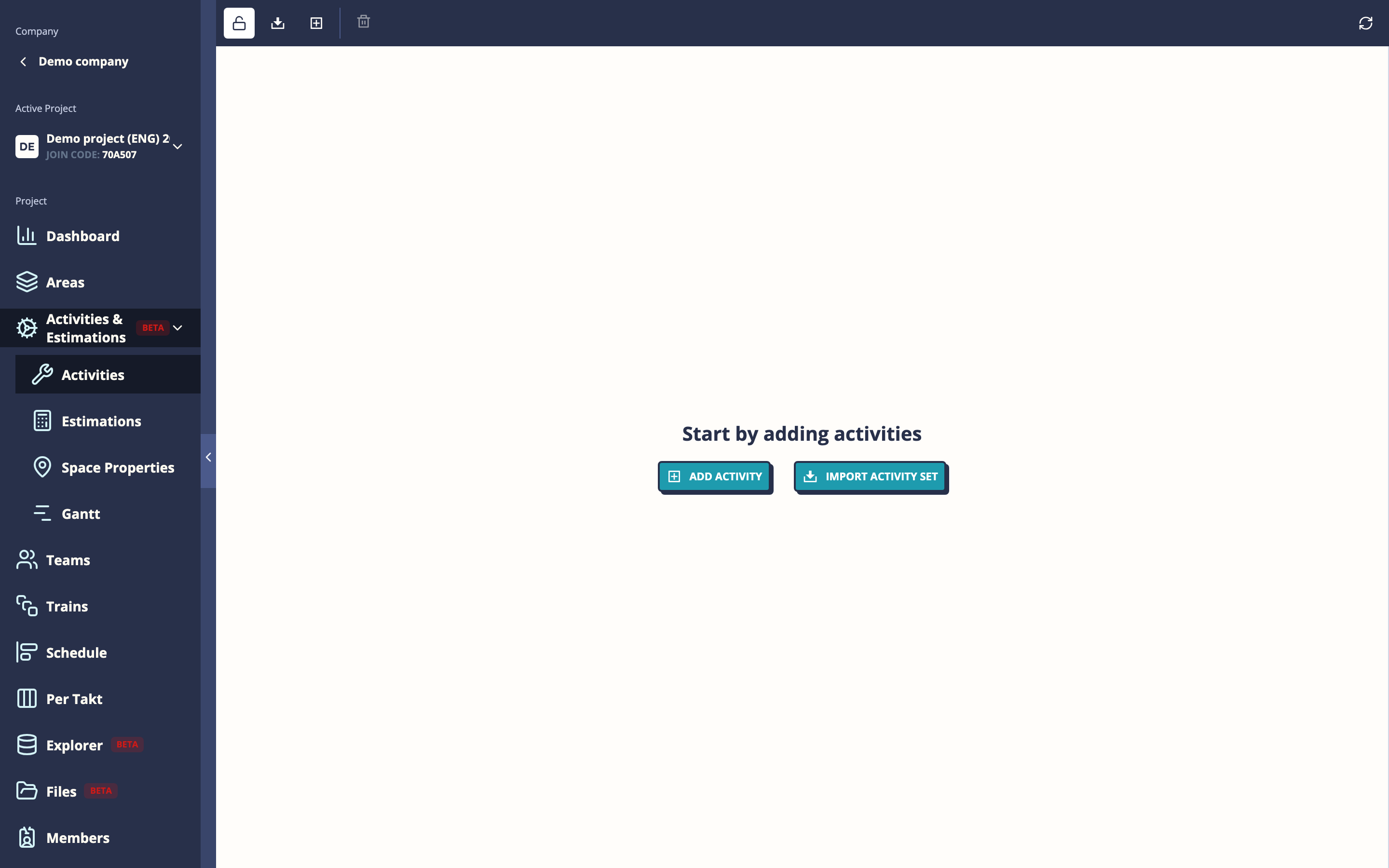
Getting there
Open a project → Activities
The activity list
Activities are organized in a hierarchy (similar to spaces). A typical structure:
Structural
├── Concrete work
│   ├── Formwork
│   └── Pouring
└── Framing
MEP
├── Electrical rough-in
└── Plumbing
Finishing
├── Painting
└── Flooring
Each activity has:
- Name — descriptive label
- Code — short identifier used in reports and exports
- Target dates — optional planned start/end for this activity type across the project
Adding activities
Click Add activity and enter a name and code. To create a sub-activity, use the parent field to nest it under an existing activity.
Importing an activity set
For standard project types, Mestamaster provides pre-built activity sets that match common Finnish construction classification systems.
- Click Import activity set
- Select the appropriate set for your project type and language
- All activities are imported at once
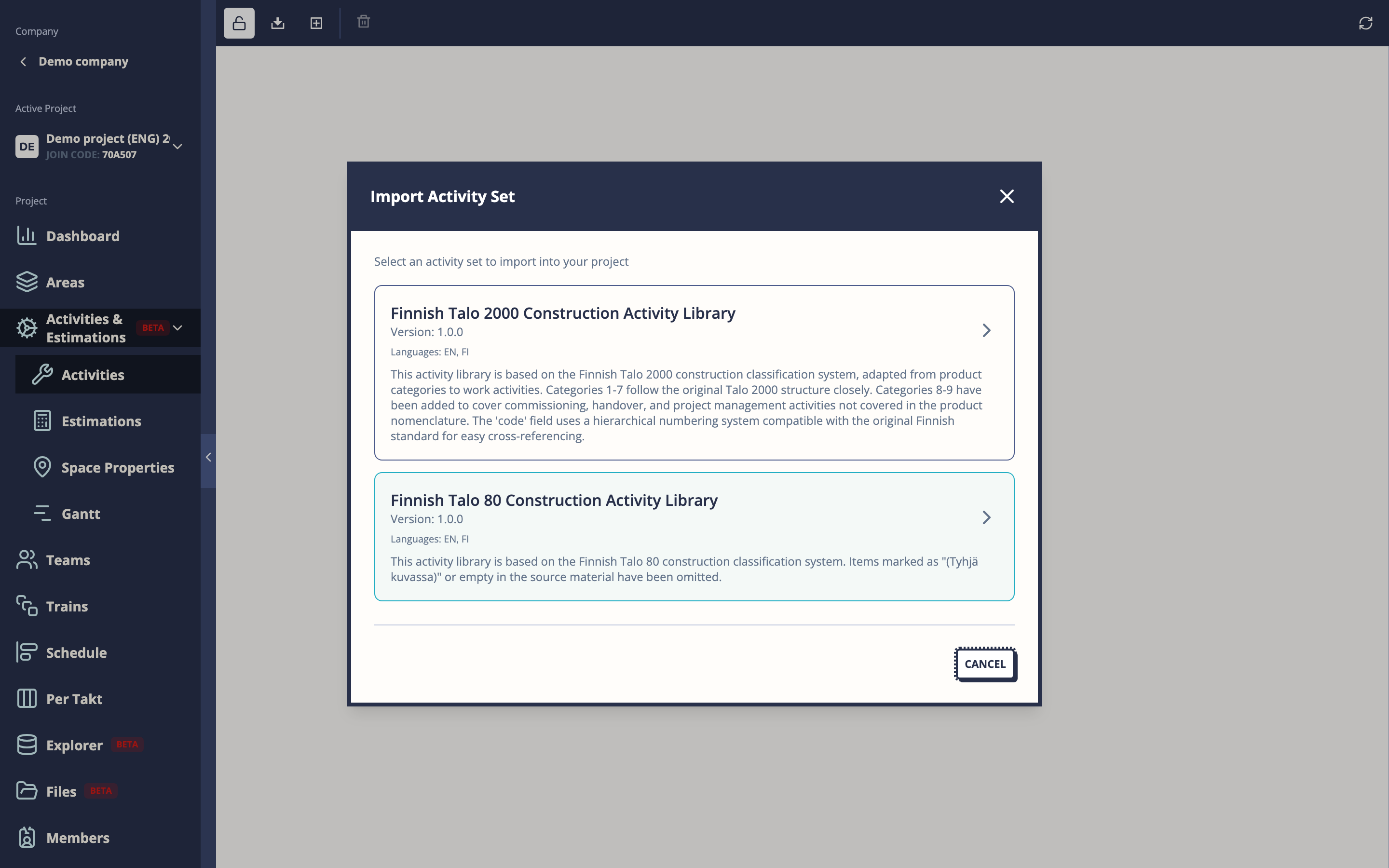
This is the recommended approach for new projects — start from a standard set and remove or add activities to fit your specific project.
Assigning activities to tasks
Activities are assigned at the task template level in Takt Train Templates. When you create a task template, you select which activity it belongs to.
This connection enables the estimation system — once you define how many hours per unit an activity takes (see Activity Estimations), the system can calculate expected task durations automatically based on the space’s measurements.
Tips
- Use codes consistently — they appear in reports and exports, so a clear code like
STR-01is more useful than a long name. - The activity hierarchy doesn’t need to mirror the space hierarchy — activities classify what work is done, spaces classify where.
- If you’re not using the estimation system, activities still serve as useful tags for filtering tasks in the Dashboard and Explorer.